
Wide Distribution For Self Published Authors
In Depth Guide and Platform Breakdown

Hello all! This post is geared towards authors to be, but I also think it might be interesting for readers who want to know the behind-the-scenes of it all.
I also want to make the exciting annoucement that you can purchase both the ebook and paperback versions of “Reasons Found In Promises” from me directly. It is cheaper, and more of the net profit goes to me rather than the retailer.
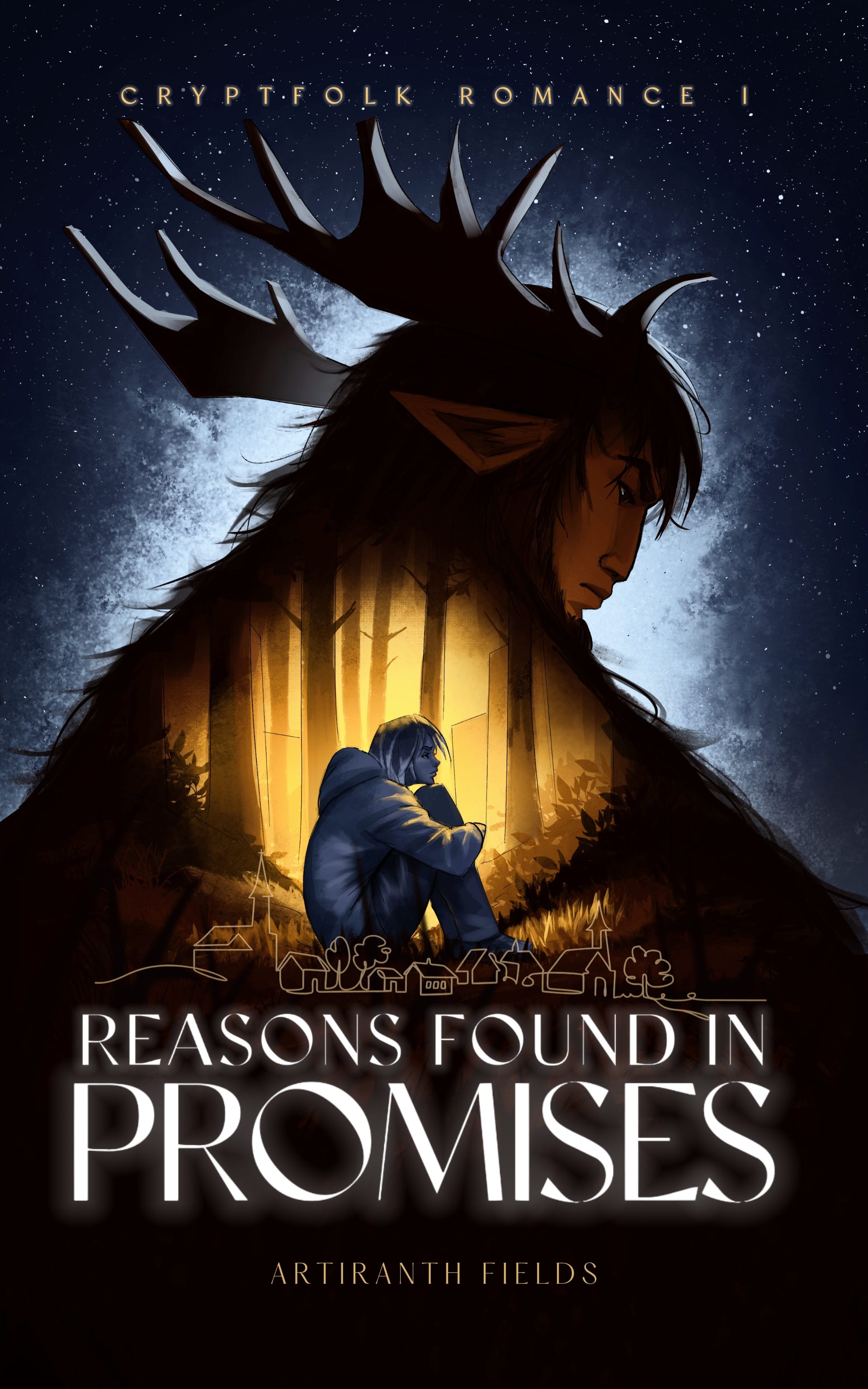
Ingram Spark Link: https://shop.ingramspark.com/b/084?params=yKNK6uTMPerjw5BePty9uTUbXG1NF5Mqh5iLWV9dc9t
Payhip Ebook Link: https://payhip.com/b/nRuaA
I have also updated my website with the same links, and am working on putting up a full list of available retailers once that becomes available to me.
What People Mean when they say “wide distribution”
For those who aren’t shoulder-deep into self-publishing author lingo, this might be a little bit of a weird one.
But basically: wide distribution is when an author distributes a to a LOT of retailers as well directly through their website rather than being committed to an exclusivity clause with one platform. Most often, nowadays this is the KDP Select programme, known to readers as Kindle Unlimited.
Since I have decided to take my book, and my future books OFF of Kindle Unlimited, I ended up having to figure out a wide distribution stack that works for me. So, this article will break down the tools, files, platforms, order, costs, and important things to follow.
Stack at a Glance
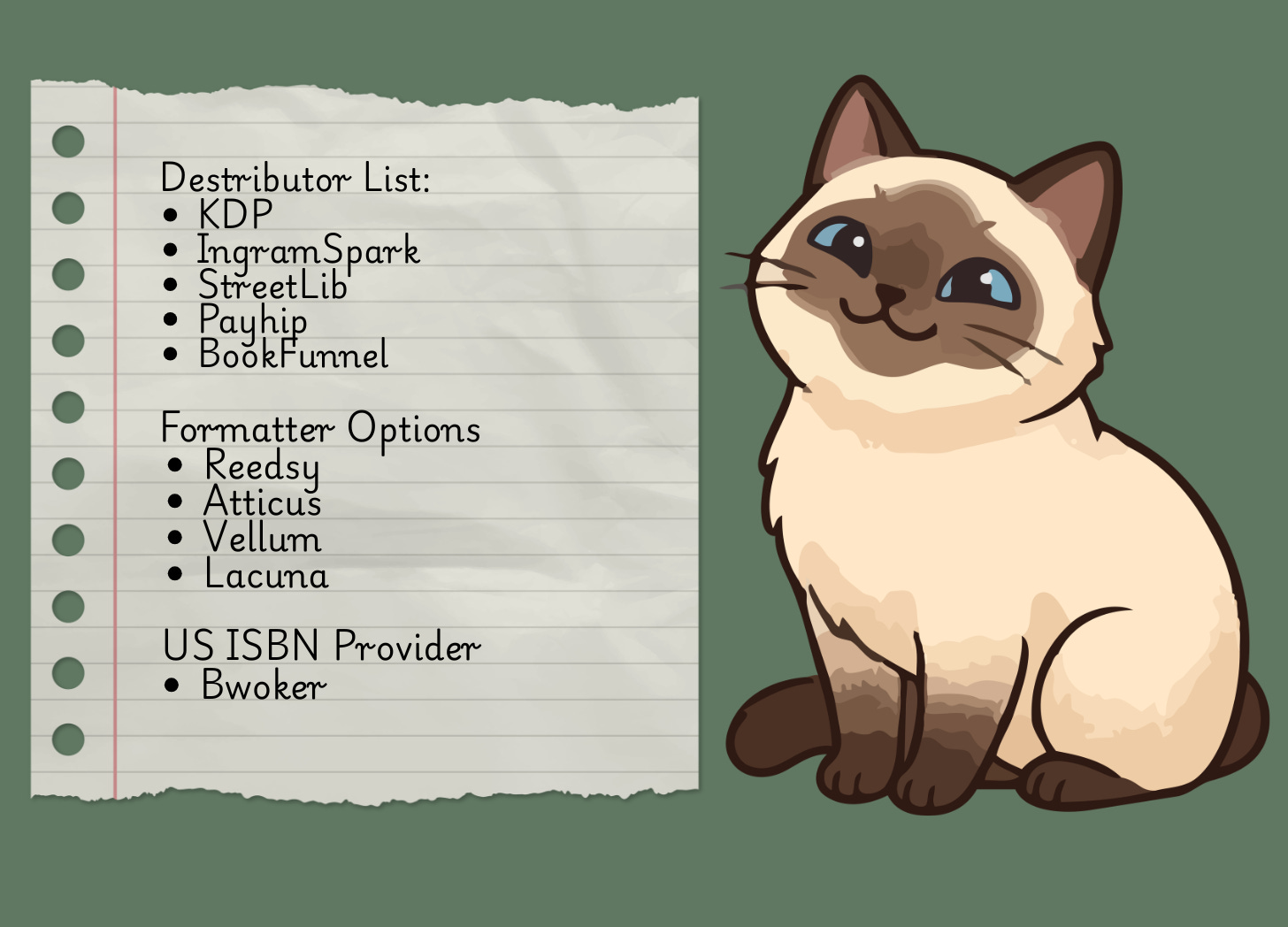
Here is the list of tools that I’m currently using for distributing my book
KDP for publishing on Amazon in paperback and ebook, NOT enrolled in KDP Select aka Kindle Unlimited (KU)
IngramSpark for paperback distribution to retailers AND direct purchase link from my website
Streetlib for ebook distribution
Payhip for direct purchase link from my website, combined with BookFunnel for file delivery (so that my epub can be read in multiple formats for maximum convenience)
Most of these are pretty self-explanatory.
Amazon is finicky, so dealing with them directly to make sure your metadata is correct saves you heartache.
IngramSpark is the industry standard for paperback distribution. They can reach all over the US, be used by indie stores as well as large chains for bulk orders, and they have worldwide distribution offers. Their printing quality is also really nice and I much prefer it to Amazon.
The Payhip plus BookFunnel set up is also very common and extremely effective. Also not too difficult to set up. BookFunnel has documentation on here.
The big deviation you see here is StreetLib, which I want to briefly discuss
Why StreetLib rather than Draft2Digital
If you are an author, you may have never even heard of StreetLib. Draft2Digital, on the other hand, is the current industry go-to, and they are the easiest and cheapest ebook-distribution-centric aggregator.
I would have loved to use them.
The problem?
They banned me because of my place of birth and refused to fix it.
Below is a gallery of email screenshots of what happened. Long story short, I completed the Draft2Digital Know Your Customer interview and filled out their tax forms. I filed a US W-9 form, using my US SSN, US residence, and US Bank account. Although I was born in Russia, and am still technically a citizen there, all of my tax information is US based.


The moment I clicked “submit”, I was logged out of my account and permanently banned from the platform.
Here is something important to understand: the “Russian documentation” they claimed as justification for my ban doesn’t exist. Their policy regarding sanctions also doesn’t apply, as that has to do with tax information and where the business is based.
Although I cannot make legal claims, from my view it appears as though Draft2Digital did not so much as run my SSN through any government verification process. Even after asking for a human review. And their only basis for the ban… is my Russian citizenship. This is further confirmed by the fact that when asked to clarify, communication ceased.
So, although I’m sure it is a good platform for many authors, I cannot in good faith recommend it. Especially to minority authors or anyone not born in the US or holding a US citizenship. Nor do I personally want to support such a company.
So, I chose a different aggregator which is less known and has a higher entry fee. But, so far I’ve had a much more pleasant experience.
Current StreetLib Experience
One thing to keep in mind about Streetlib: It is a European-based company.
Basically… have patience. My recommendation would be to get on, get your pro plan, log in, do your profile and tax info, then log off and come back the next day. Because it takes a few hours for the platform to recognise you’ve paid and filled everything out. Then you can access the hub and fill out all of your book details minus the distributors. Then, log off and come back like… 3-5 days later.
I ended up emailing support because I was concerned, and they were actually really kind in explaining that their platform puts your book through individual review processes with each of their distributors, which simply takes a while. So save yourself the frustration and don’t even expect it to be quick.
After that, you should see your book get out of review and be able to be distributed as needs be.
However, what the platform lacks in speed, it makes up for in distributors and features that are honestly pretty awesome. Here are some:
They distribute to Google Play, which D2D does not. If you publish with D2D you will also have to upload directly to Google Play, adding yet another platform to your stack
They have a very wide distribution across European retailers. FAR more than D2D which is US-focused
They tell you why your book was rejected with each platform. Not all platforms, for example, allow sexually explicit content of any kind. If your book is rejected for it, it will show a little rejected mark next to that distributor and tell you why
They provide you with a list of direct links to your product. Once my book is out for distribution tomorrow, I will be adding these to my website so that you can find them all there. But this saves the hassle of having to upkeep this list myself
They calculate their share from net profit, rather than retail price, which means they take less money per book than pretty much any distributor does
So, it’s not a perfect platform. And there is definitely some UI clunk, and the initial price tag hurts. But so far, the features it does have and the extremely friendly support team have very much made up for it, at least for me.
What You Will Need
Now… back to getting you on track with being a widely distributing self-published author with full control over your book!
The absolute most basic things you will want prepared are your ISBN (which I will discuss more in the following section), your epub, ebook cover (so front only), print-ready pdf file, and print cover (wrap around)
So let’s go through these.
Get your ISBN from Bwoker
If you are based out of the US, go here
Get the 10 pack because you will need at least 2, one for ebook and one for paperback, and they don’t expire so you can use them for future books or versions.
Again, I will cover more about why to do this in the next section
EPUB and print-ready PDF
You can absolutely raw dog it and format it with Google Docs or Word.
However, I would highly not recommend it. You will drive yourself insane.
The cheapest and easiest way to get these files is using Reedsy. Go to their site here
Then copy and paste your book chapter by chapter. Although you can try importing it first, I’ve found that to be very finicky. Fill out the front matter information, and add any back matter as you see fit. Then, back out to the main page and go to Exports. There, pick your options and export. REMEMBER WHICH TRIM SIZE YOU PICKED. That will need to remain consistent for all future print options. You can do the same to get the epub as well.
It’s free. Quick. Will 100% work on every single platform without fail. The only downside is that it’s basic. It handles images very poorly; you can’t change fonts or chapter images, etc.
If you want something more fancy, your best bet is to probably invest in a formatter. The recommended tools are Vellum for Mac, and Atticus for Windows/Mac because it’s online. I however recently discovered a new tool called Lacuna formatting, that you can find more info on here
But, bottom line, find a tool of your choice and have these on hand.
Note a print-ready PDF is NOT just a PDF of your work. It is a PDF with very specific margin formatting that is based to fit the proper trim size.
Ebook cover
You want a PNG that has the aspect ratio of 1.6:1, the recommended being 1600x2560 pixels.
This guide will not cover how to make a cover or where to find an artist to make one. But any template cover on Canva or if you just go to Canva and say create blank cover, will be in the proper dimensions. So if you already have one, you can make sure it fits there.
Print Cover
This is a little tougher. First, you want to get your print-ready PDF. That will get you the number of pages your book will be once printed. You then need to figure out the dimensions of your wrap-around cover using that. The easiest way is to use the KDP calculator here
Yes, this is for KDP, but it does work for all other print distributors as well. Download that template, and lay it over your file. Make sure your spine lines up, and nothing important is beyond the bleed lines. You will want to make sure it works in PNG at the right resolution and then convert it into a PDF file. LARGER IS BETTER. IngramSpark can actually auto-fix the print for you if your resolution is too high, as long as your dimensions are in the correct ratios.
The ISBN Debacle
THIS IS REALLY IMPORTANT. If you are sticking with just KDP, or just Ingram, or one of those tools, they will give you what is called an ASIN. Which is basically a free but unofficial ISBN.
The plus of that is you don’t have to pay for your own. Which is pricey — to buy 10 ISBNs on Bwoker is almost 300 dollars. BUT it severely complicates where you can publish and can create a lot of issues when distributing using multiple platforms.
So if you plan to use a free ISBN, you need to pick ONE distributing platform and stick with it. From my own stack, I would recommend either Streetlib or IngramSpark. And then do not use ANY other distributors except for direct links.
The reason this is a problem is because the ASINs are platform specific, and therefore if you publish on say KDP and Ingram using their free ASINs they are not seen as duplicated in databases. Meanwhile, when using your own assigned ISBN, the platforms can basically talk and make sure there aren’t cross listings. You can also get into copyright ridiculousness, where KDP might claim you are copyrighting your own work. Which can become a nightmare.
Bottom line, either stick to ONE platform OR bite the bullet and get your own ISBNs.
Order Of Upload
This is my recommended order of uploading your book in order to avoid conflicts and copyright issues. Make sure to use your own ISBNs for everything, one for ebook, one for print. (paperback and hard cover both use a unique one too).
KDP. Upload your book, set up your pre-orders, and do everything with KDP. Do NOT upload ANYWHERE else. KDP is the most finicky and they check your book against other places during review. This can cause problems. Make sure to NOT check expanded distribution, this will be taken care of by IngramSpark.
After about a week, I would say it’s safe to upload to IngramSpark. Paperback only here. You do NOT want to do ebook. This is because Ingram doesn’t let you pick which distributors to turn on and off for ebooks. They SHOULD be able to reconcile it properly if you are using your own ISBN but this is safest. Once it is up, this will automatically give you the ability to create your own direct purchase link
Once Ingram verification is complete, your ebook aggregator and direct ebook sales can now be done in either order. I would recommend doing Streetlib first, because, as I mentioned… they take a while. Make sure to toggle KDP OFF in the distribution as soon as it becomes available
Set up Payhip and BookFunnel, which is pretty simple. Just log in to both platforms, follow their onboarding steps, and then the BookFunnel documentation to set up delivery. Keep in mind that you can’t effectively test it on a free account with a free book; you will want to set your price for like a dollar or give yourself a coupon to make it a dollar to check. You will lose a few cents in fees but it is what it is.
Costs
Here is a cost breakdown for each of the purchases and platforms.
ISBNs with Bwoker - 300
Formatter - Free with Reedsy; 140-150 for Atticus or Lacuna
IngramSpark - Free
Payhip - Basic Account Free
BookFunnel - Basic Account Free
StreetLib - 100 for yearly subscription, 300 for lifetime (I went with the 100 to try it; if I like it by the end of the year, I will get lifetime)
And yeah. Pricey. Even if you aren’t in a minority and can use Draft2Digital, that’s still easily 500 bucks. And that’s without commissioning a cover or paying editors.
Needless to say, I haven’t made that back yet, but I’m hoping that with wider distribution, more books coming, and this wonderful community growing steadily, that will eventually change!
Ending Thoughts
Hopefully, this is a helpful guide for all authors who decide to make the difficult but exciting decision to offer their book widely rather than stick to Amazon only.
And maybe for the readers out there, you can see how much actually goes into making your favourite books available on your platform of choice. It’s not a straightforward choice or process. Give authors some grace <3
Was it helpful? Did you ever think about all of this? Was it interesting at least from the reader’s or author’s perspective? What other questions do you have? Let me know in the comments!

This is so useful! Thank you so much.
This is very helpful for new authors. I’m sorry you had trouble with Draft2Digital. :(